A complete stalking record, from the hill to the return
Deer Journal logs culls, sightings and outings on your phone — in the field, with no mobile signal — and allows you to maintain records and produce reports.
Works on iPhone, Android and desktop. Access is currently by invitation.
What it does
Built around how a day on the hill actually goes
Profile, ground and other information are set once. After that an outing is the container for a day's work — where you were, when you started and finished, and everything you took or saw while you were there.
Outings, culls and sightings
Everything sits in one hierarchy: property, then area or DMU, then the outing, then the culls and sightings within it. Set your ground, preferences and profile once, then focus on your work in the field.
Works with no signal
The app loads from your device, so records can be created, edited and browsed with no connection at all. Anything saved offline is queued and synced automatically the moment signal returns.
Your ground on the map
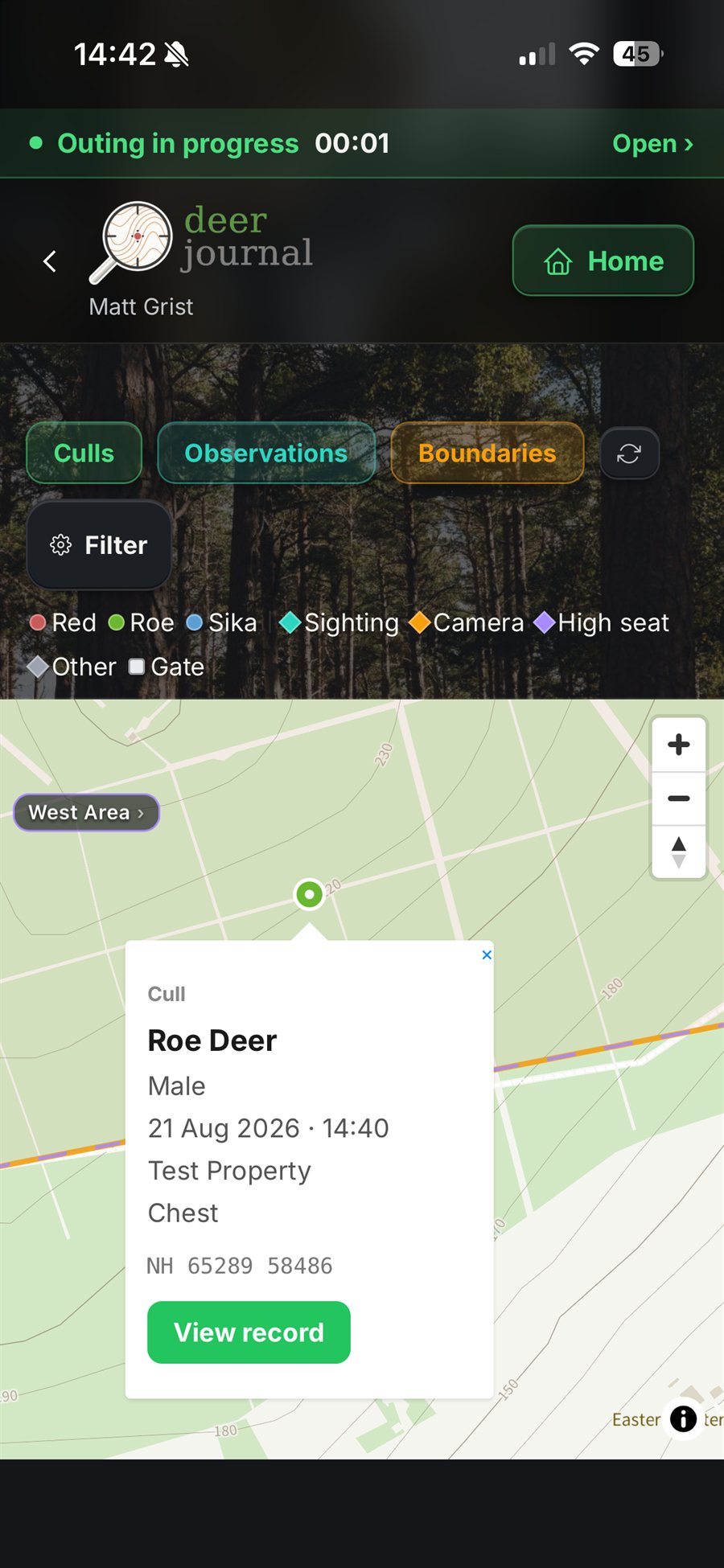
Draw property and area boundaries, or import them from a file. The app works out which area a cull falls in, gives you the acreage of each block, and drops a pin for every record with a GPS fix.
A map that works without a connection
Online maps show a grey screen on a hill with no signal. Deer Journal can store the map itself on your phone, so your ground and your pins still work when there is nothing to fetch them from.
Shared outings
When you are out working with others, one shares the active outing with a join code and the others log from their own phones. All can see each other's records appear as they are entered, and each person's last known position with the age of the fix — where there is signal to send it.
Reports and statutory returns
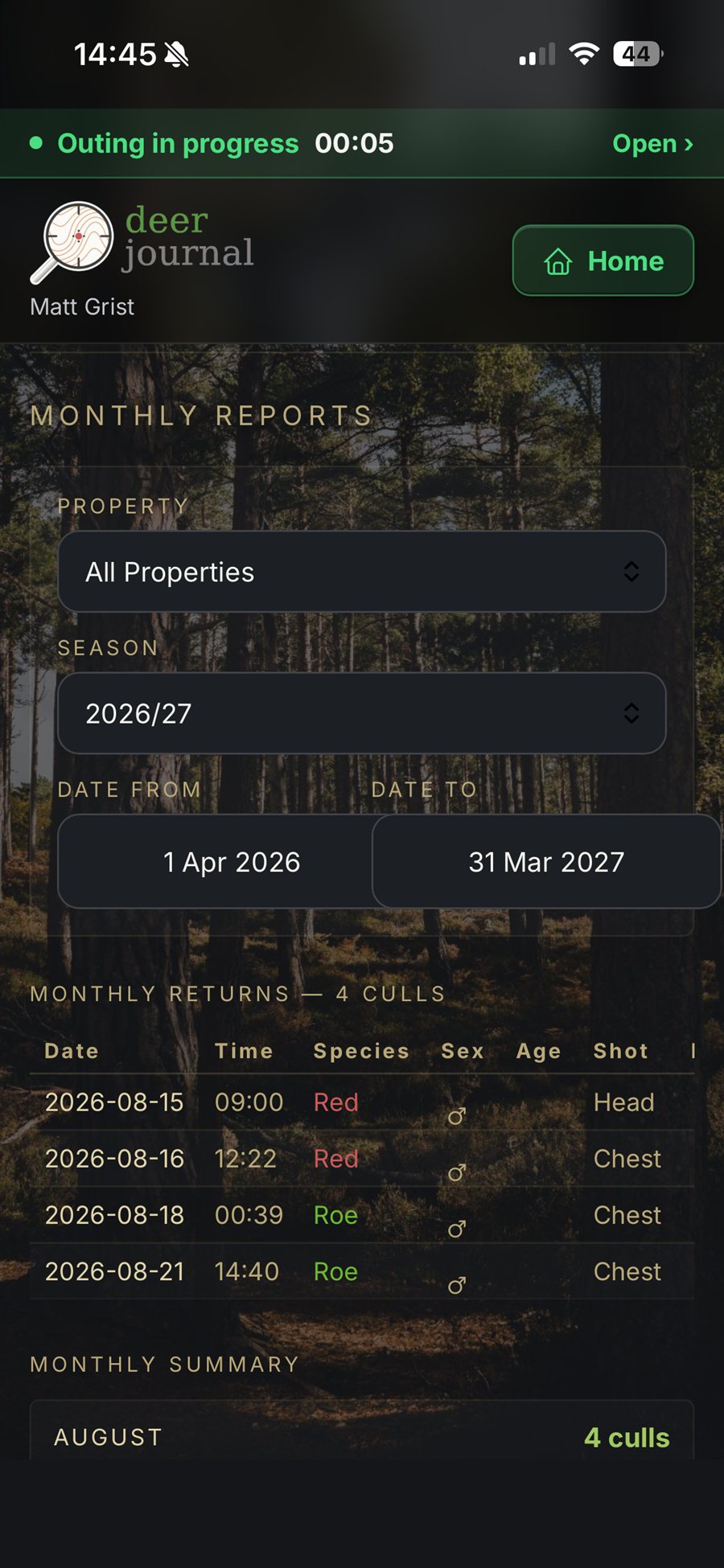
A live season summary — culls, outings, hours, hours per deer — plus monthly summaries against target, a full cull-by-cull table, an Excel workbook, and the NatureScot return in its required column format.
Also in the app: barcode scanning to find a cull from tags and maintain traceability, gates and access codes stored against the ground, photographs against records, import of historical cull data, and a three-column desktop layout on larger screens.
Security
Built to be trusted with the record
-
Your records are yours
Every record is tied to your account, and the database enforces that row by row — no other account can reach your ground, your culls or your photographs, beyond what you deliberately share on a shared outing.
-
Nothing is lost if the signal is
Records are written to your phone first and queued there. They sync themselves when signal returns, without you having to remember.
-
Backed up nightly, off site and encrypted
A separate nightly job copies the whole database to independent storage, encrypted so that the backup system cannot read what it holds.
-
No tracking, no advertising
Neither the app nor this site carries analytics, advertising or third-party trackers. Data is held in Ireland and travels encrypted.
Screens
What it looks like
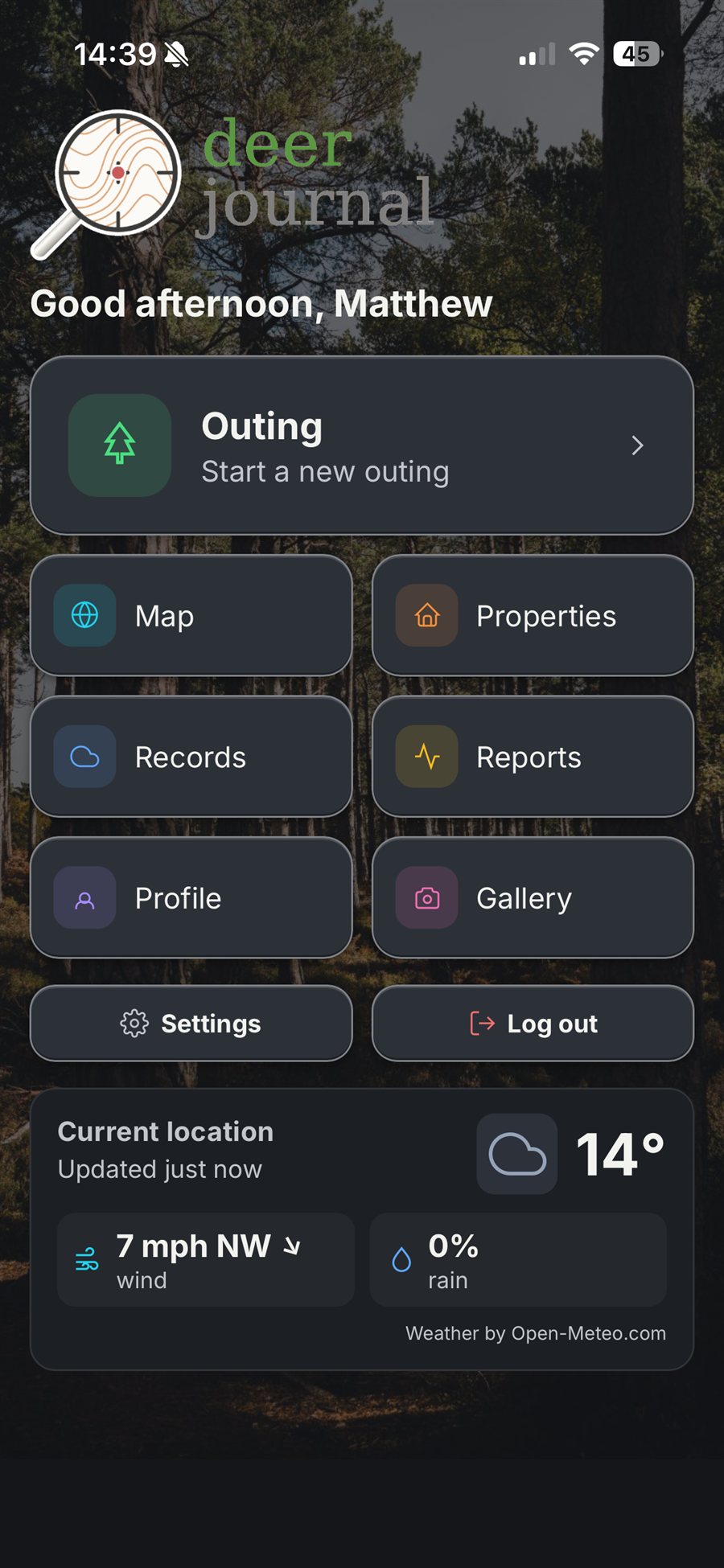
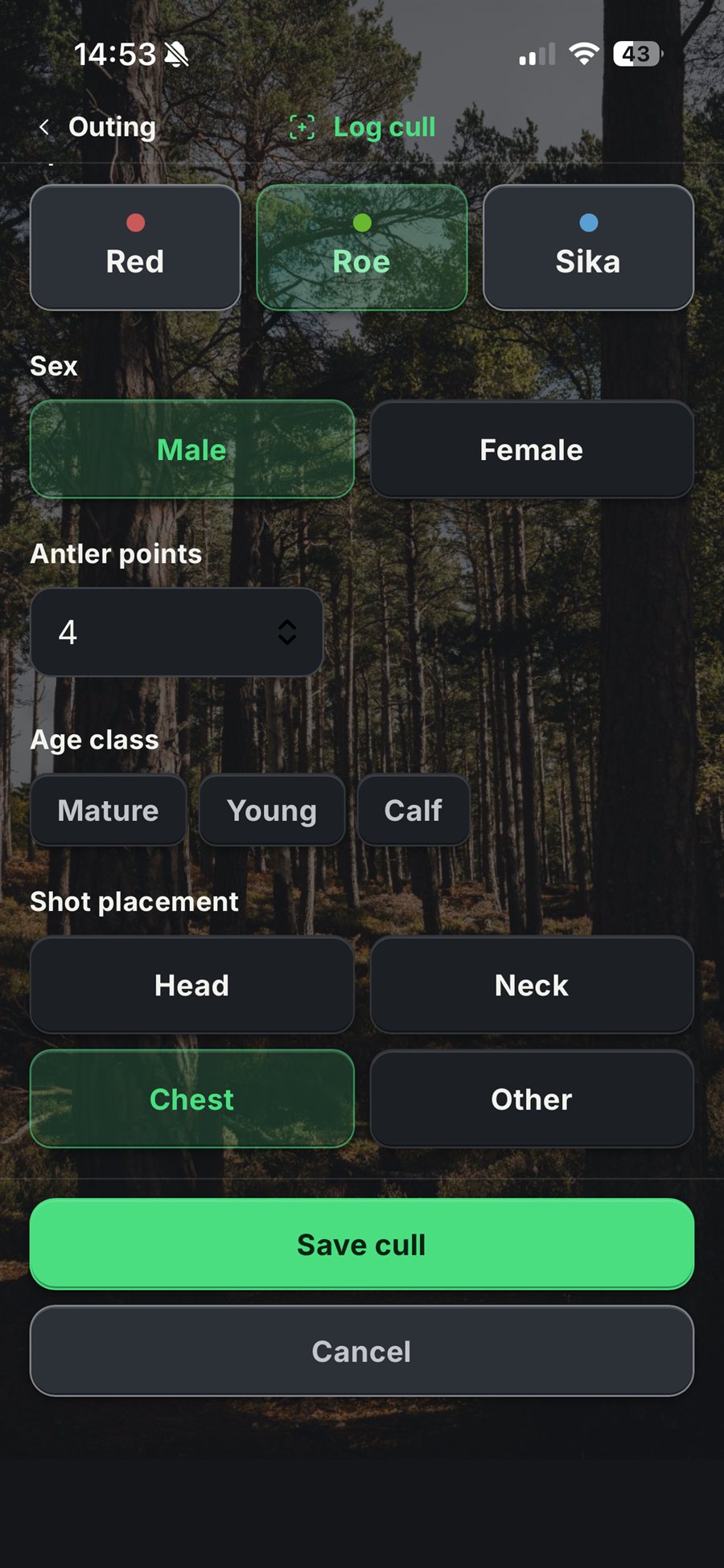
Real screenshots from the app.

Video
A walk through the app
About
Who is behind it
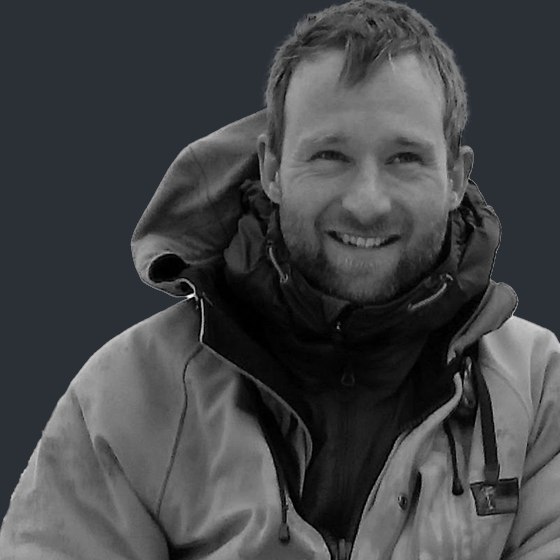
Nick Richards
Nick has over 25 years' experience of deer management covering a range of properties, both in woodland and on the open hill. A clear demand for focussed deer management and locally sourced, wild venison motivated him to establish Forest to Fork in 2011.
He holds Deer Stalking Certificates (Level 1 & 2) and is registered as Fit & Competent with NatureScot, operating to industry best practice.
Nick qualified with a BSc Honours degree in Land Management in 1995. After a range of experience on farms and estates he joined a private forestry company in 1997, starting in Wales, then briefly England, before making it to Scotland in 2000, where he continues to work in the forestry sector.
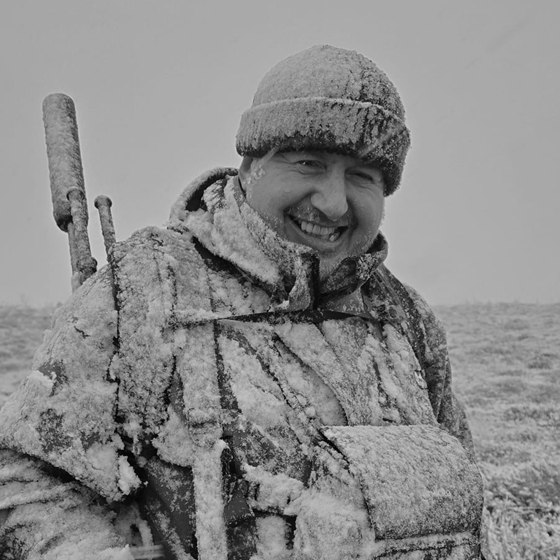
Matt Grist
Matt is very new to deer stalking, having only taken it up in the last year. He holds his Deer Stalking Certificate (Level 1) and is keen to learn more.
With a background in the British Army and then technology and cybersecurity, Matt hopes Deer Journal will be of use to those who manage deer and love a day on the hill.
About the app
The idea started as an efficient way to record deer culls so that they could be viewed alongside photographs. Then the concept grew arms and legs, and it seemed like every day brought a new idea.
It has been designed around how stalking and deer management work in practical terms: recording, retrieving and reporting the information you actually need, supporting traceability, and being a genuinely usable tool for anyone who manages deer in any capacity.
Getting access
Deer Journal is in use on working deer ground and accounts are set up by invitation rather than public sign-up. If you already have an account, open the app and sign in with Google or your email address.
If you manage deer and think it would be useful on your ground, get in touch. We are currently looking for users to trial the app further.
Get in touch